
Medicine reminders in iMessage
Get medicine and pill reminders in iMessage at the times you choose. Follow the schedule prescribed by your healthcare professional.
set up my medicine reminder →Your prescribed routine. Your reminder times.


umi

Reminders for your prescribed schedule
Tell umi when you need a reminder and check the saved confirmation. umi sends a message; it does not choose doses or verify that you have taken your medicine.
Choose your reminder times
Complete setup, give umi your reminder times and check the confirmation. Example times below illustrate scheduling, not medical advice.
Daily pill reminders
Set a daily reminder that matches your existing prescription instructions.
- choose a local reminder time
- check the saved schedule
Separate reminder times
Use distinct labels when your prescribed routine has more than one reminder time.
- identify each reminder clearly
- manage reminders separately
Pharmacy pickup reminders
Set a separate reminder for an errand, such as collecting a prescription.
- choose the day and time
- no automatic refill ordering
more than a text.
A photo of the moment. A thought spoken out loud. Send either in iMessage, and umi replies in text.
Keep the conversation going
Share a photo or message about your routine. umi does not identify pills or verify doses from images.
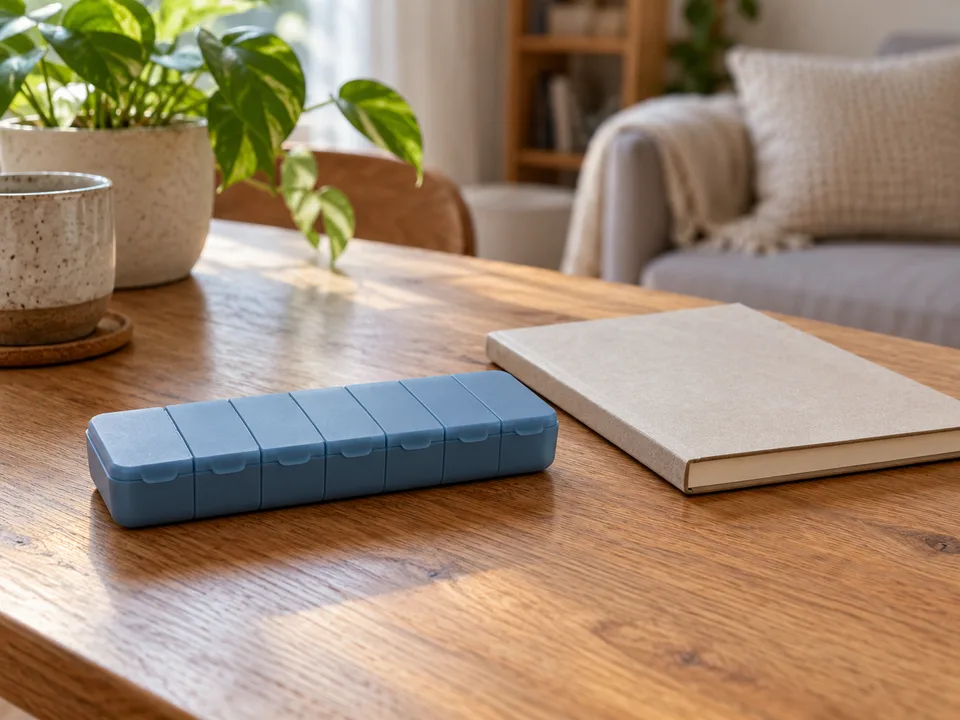
Request a reminder by voice
Say the reminder time from your prescribed schedule, then check the confirmation.
Illustrative conversations. Photo created with AI.
what would you like to stick with?
Start with a message. Here are a few things you can ask umi.
Daily medicine
Use the reminder time from your prescribed routine.
Prescription collection
Choose when to collect a prescription that is ready.
Questions for your pharmacist
Set a reminder to discuss your medication questions.
a little trust goes a long way.
Personal conversations deserve clear answers. Here’s what to expect from umi.
Delivery is not guaranteed
Messages may arrive late or be missed because of connectivity, Focus or notification settings. Do not rely on umi as your only reminder for time-critical medication.
A reminder is not a dose record
umi does not know whether you have taken a dose. Check your own medication record and prescription instructions before acting on a reminder.
clear about your data
Your messages and preferences help umi respond. Our privacy page explains what is stored and which services process it.
always honest about AI
umi is an AI companion. A friendly conversation, with no pretending there’s a person behind the messages.
part of your world
umi adds a little company. Your friends, family, community, and professional support still matter.
you set the pace
You choose your check-ins. Ask umi to change or cancel a reminder. Text STOP to stop messages and request cancellation of future subscription renewals.
a few little questions.
Yes. Request personal reminders in iMessage at the times in your prescribed routine. You need to complete website setup and subscribe; no separate Astumi app is required.
No. umi schedules reminders you request. Follow your prescription instructions and ask your pharmacist or prescriber about doses, interactions or changes to your medication.
Check your medication’s instructions and contact your pharmacist or prescriber if you are unsure. A reminder message does not confirm whether you have taken a dose.
No. umi does not maintain a verified dose log, detect missed doses or alert a caregiver. Reminders are sent to your own iMessage conversation.
Reminders use your saved timezone. Do not assume they follow your phone automatically. Confirm any medication timing changes with your pharmacist or prescriber, then check the saved reminder schedule.
Yes. Identify the reminder and ask umi to update or cancel it. Changing a reminder does not change your prescription; follow your healthcare professional’s instructions.
You can review the current subscription offer during signup before subscribing. No separate App Store purchase is needed.
Send STOP on its own to stop messages and request cancellation of future subscription renewals linked to your phone number. This does not refund the current period. To stop one reminder, ask umi to cancel that reminder instead.
Delivery times are approximate. iMessage notifications also depend on your phone’s settings and connectivity; this is not an alarm that overrides Focus or silent mode.
Set your medicine reminder
Set up umi, choose a subscription, then ask for your first reminder. You choose the timing; umi confirms when it is saved.
set up my medicine reminder →