
Plant watering reminders in iMessage
Choose when to check your plants. Get reminders in iMessage and water when needed.
set up my plant reminder →a nudge to check. water when needed.


umi

remember the plant.
choose the check-in.
A watering reminder is a prompt to look at your plant, not an instruction to water it automatically. Choose a checking routine that fits your care instructions and adjust the saved reminder when your routine changes.
name your plant.
choose your reminder.
Complete setup, tell umi which plant to check and when, then check the saved confirmation. These conversations illustrate a plant-check routine, not a prescribed watering schedule.
give each plant a name.
Use the plant’s name or its location so the message tells you which pot to check.
- name a plant or a group of pots
- choose a weekday and local time
change the routine in chat.
Update a check-in when your care routine changes. umi follows the schedule you request; it does not measure the soil or automatically calculate watering needs.
- change the saved day or time
- keep the plant name in your request
cancel a reminder you no longer need.
If a plant goes to a new home, remove its reminder while keeping your other check-ins.
- cancel one named plant reminder
- leave your other reminders in place
more than a text.
A photo of the moment. A thought spoken out loud. Send either in iMessage, and umi replies in text.
share your green corner.
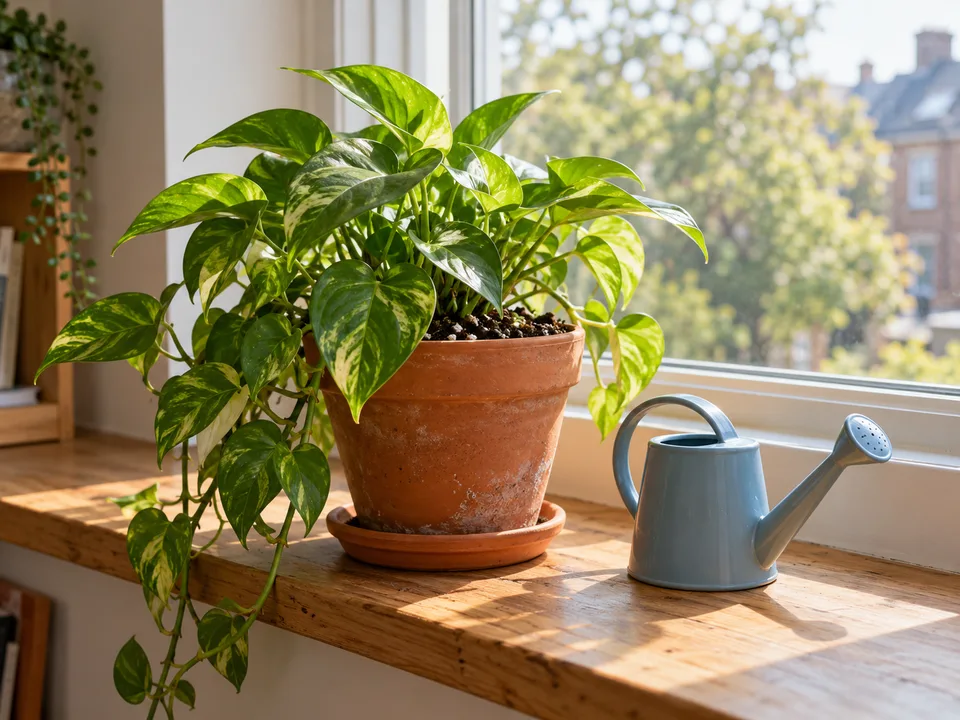
Send a photo of the plants you made time for, right in the same conversation.
say the plant and the time.
Send your reminder request as a voice message, then check the schedule umi confirms.
Illustrative conversations. Photo created with AI.
what would you like to stick with?
Start with a message. Here are a few things you can ask umi.
the living-room plants
Group plants for a regular inspection without assuming they all need water.
the kitchen-window pot
Make the location part of the reminder so you know what to check.
before a trip
Set a dated reminder to arrange care before you leave.
a little trust goes a long way.
Personal conversations deserve clear answers. Here’s what to expect from umi.
a reminder does not mean water every time
Check the plant and follow its care instructions before watering. Your chosen reminder schedule is for checking; it is not a watering recommendation.
you are away from home
Arrange care yourself and ask umi to change or cancel your check-ins if needed. umi reminds you; it does not water plants or message a plant sitter.
clear about your data
Your messages and preferences help umi respond. Our privacy page explains what is stored and which services process it.
always honest about AI
umi is an AI companion. A friendly conversation, with no pretending there’s a person behind the messages.
part of your world
umi adds a little company. Your friends, family, community, and professional support still matter.
you set the pace
You choose your check-ins. Ask umi to change or cancel a reminder. Text STOP to stop messages and request cancellation of future subscription renewals.
a few little questions.
Yes. Set personal reminders to check your plants in iMessage. You complete website setup and subscribe, then request reminders in your conversation without installing a separate Astumi app.
No. This is a reminder service, not a soil sensor or an automatic plant-care schedule. You choose when to check and decide whether to water using the plant’s care instructions.
Yes. Name each plant or location in its reminder request and check each saved schedule. You can also request one reminder to check a group of plants.
Yes. Tell umi which reminder to update or cancel. Include the plant name and the new day or time when changing a schedule.
You can review the current subscription offer during signup before subscribing. No separate App Store purchase is needed.
Send STOP on its own to stop messages and request cancellation of future subscription renewals linked to your phone number. This does not refund the current period. To stop one reminder, ask umi to cancel that reminder instead.
Delivery times are approximate. iMessage notifications also depend on your phone’s settings and connectivity; this is not an alarm that overrides Focus or silent mode.
make a little time
for your plants.
Set up umi, choose a subscription, then ask for your first reminder. You choose the timing; umi confirms when it is saved.
set up my plant reminder →